Finegrain

Better photos for your Vinted, Depop and eBay listings.

Turn a bad photo into one that sells.

Take your photo as usual. That’s it. Next to the original, Finegrain instantly adds versions that are ready to post.
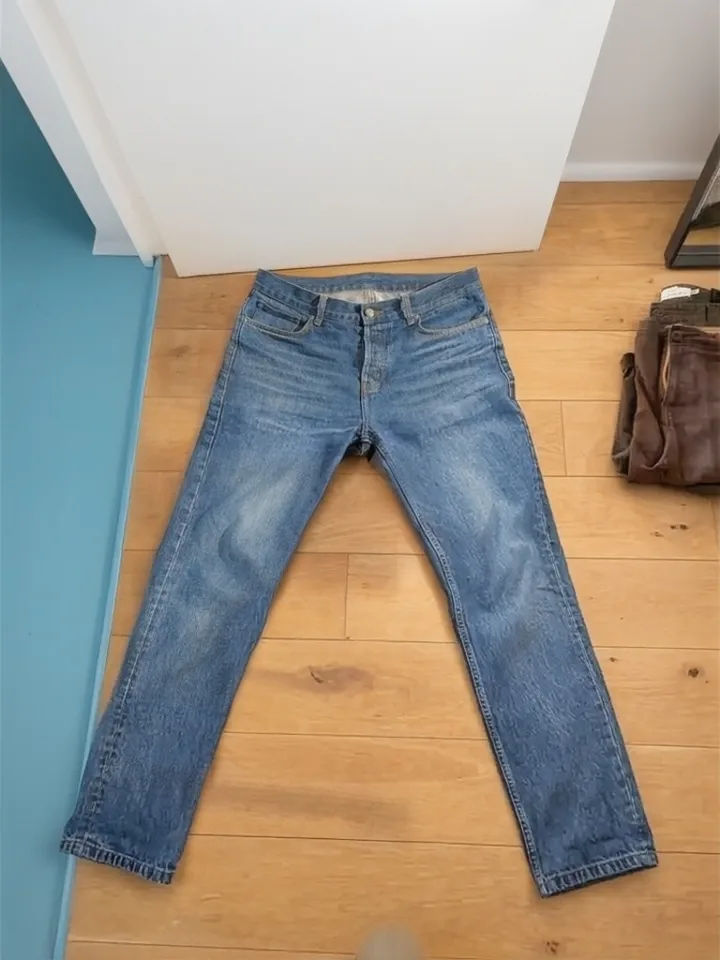
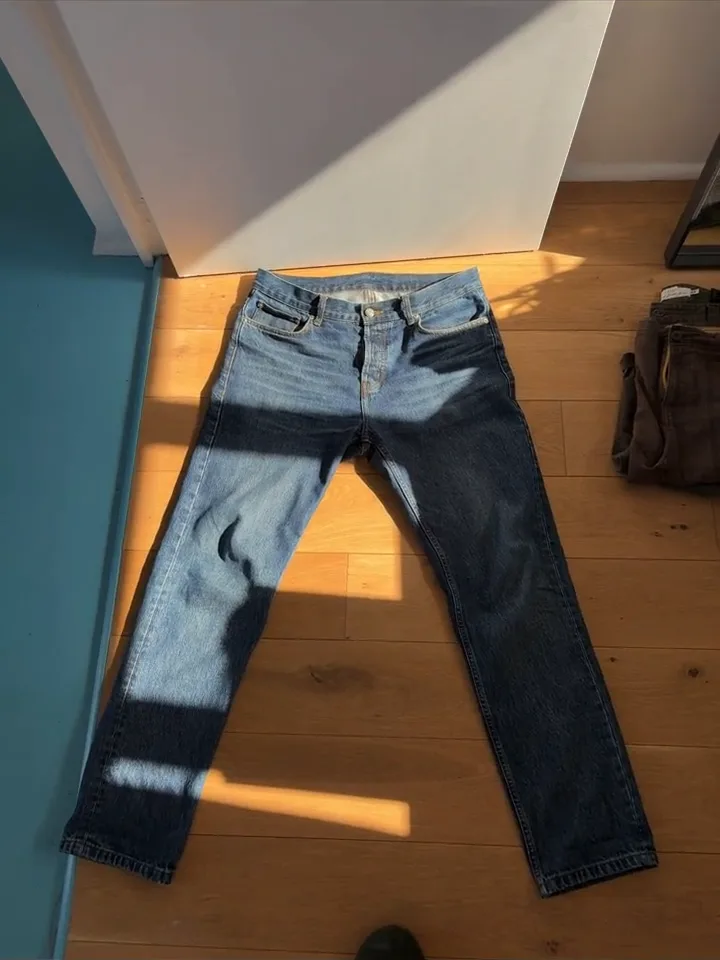
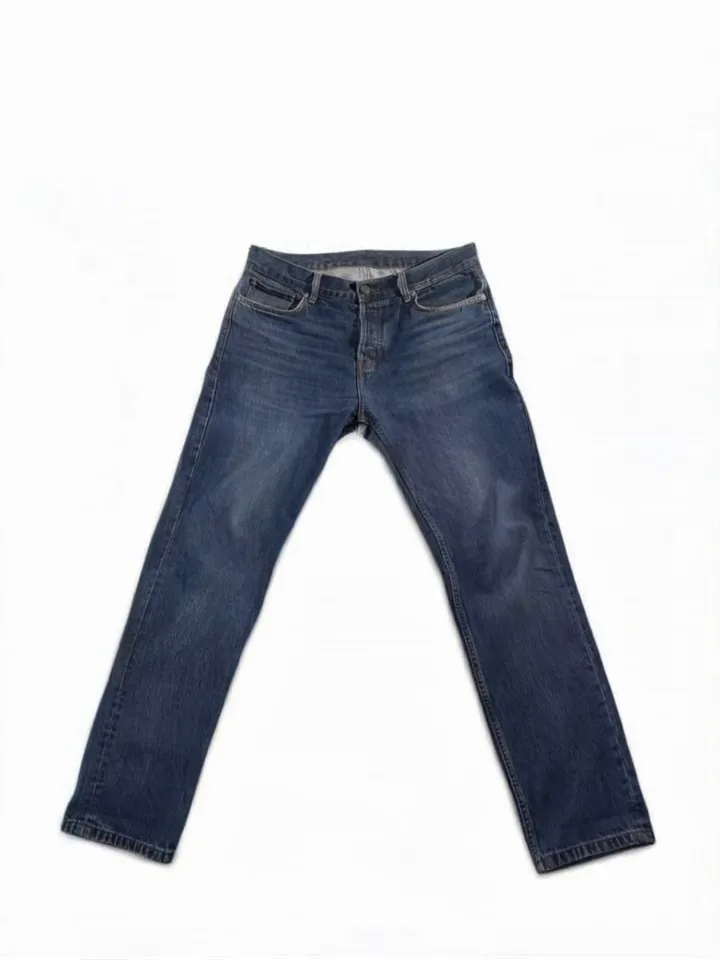
Jeans on a wooden floor, lighting corrected by Finegrain Jeans on a sunlit wooden floor, original photo
Your photo Better light
Drag to compare
  • Free and unlimited, no account or credit card
  • iPhone 15 and newer · iOS 26+
  • Works offline: everything happens on your phone

Up to +21 % more contacts[1]On furniture listings in an A/B test on Geev.

For your listings on Vinted, Depop, eBay, Vestiaire Collective, Grailed, Facebook Marketplace and more.
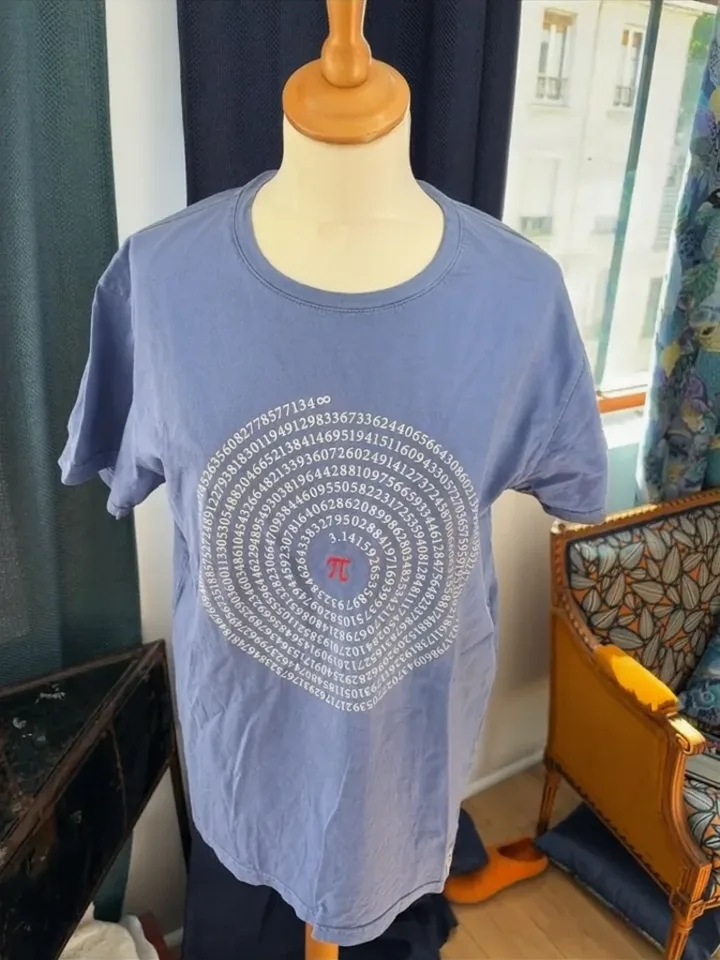
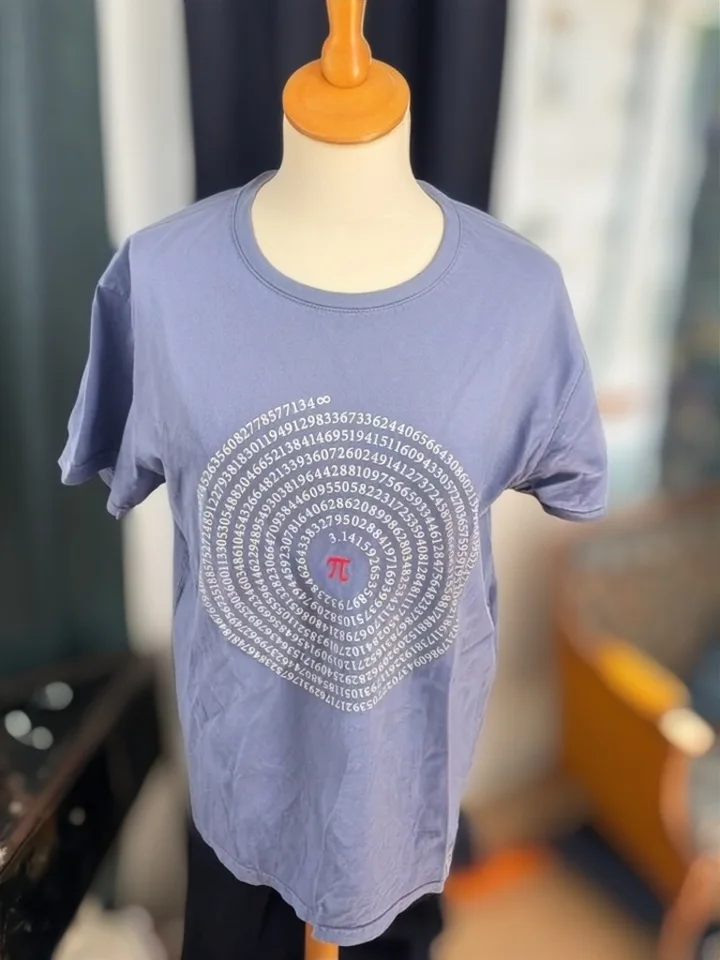
Demo

One photo. Several improved versions.

Here’s what the experience looks like in the app.

  1. Take your photo

    On a hanger, the bed or the floor.

  2. Finegrain does the rest

    Ready-to-post versions appear next to your original.

  3. Pick one and post it

    On Vinted, Depop or any app.

Examples

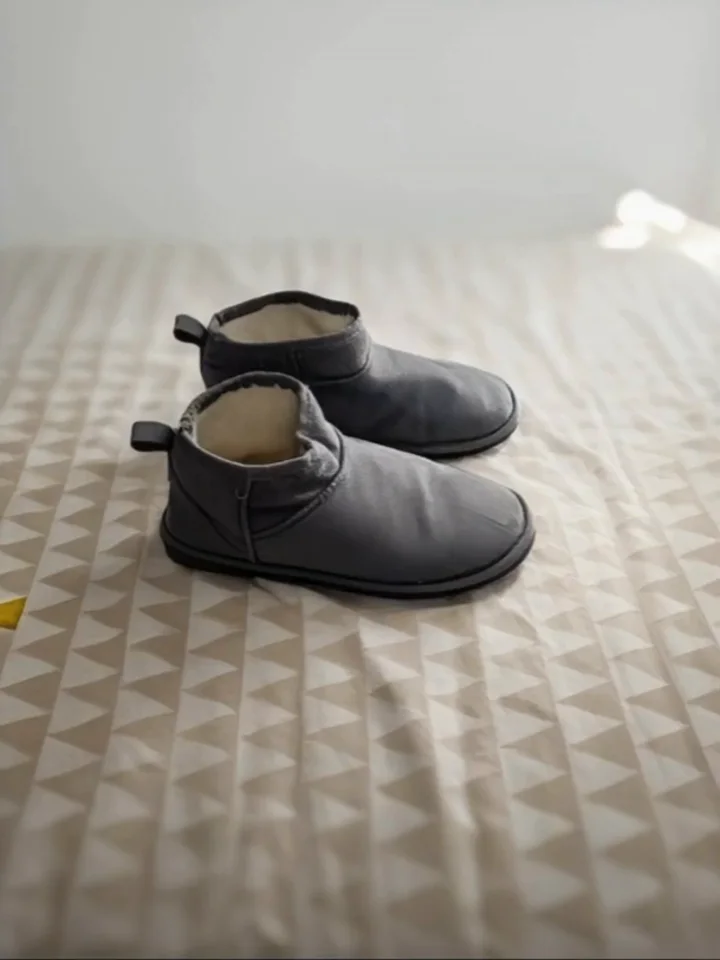
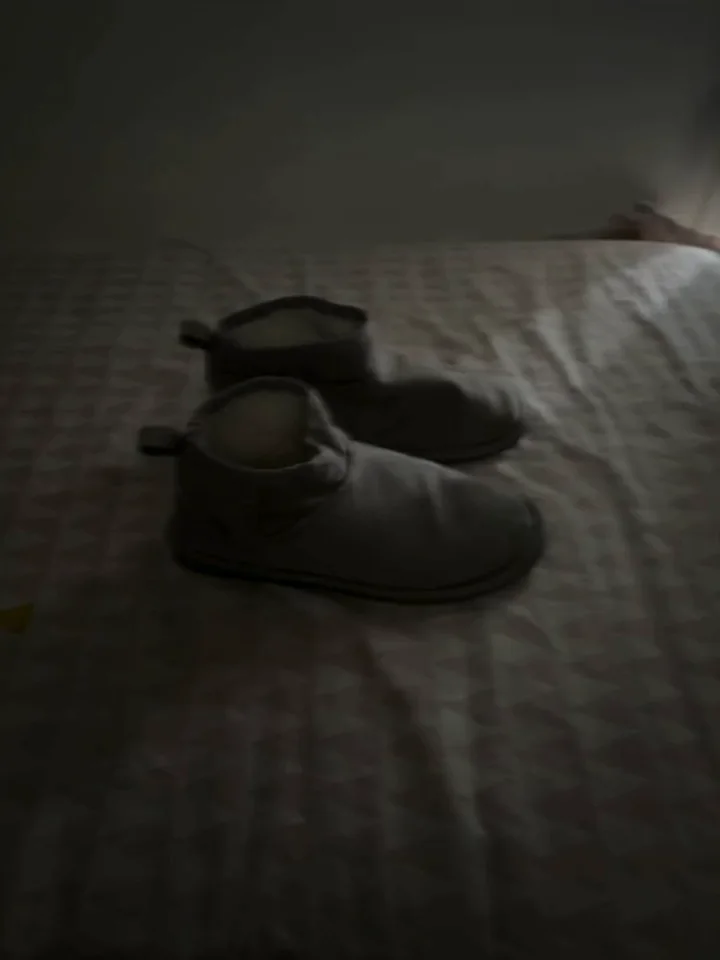
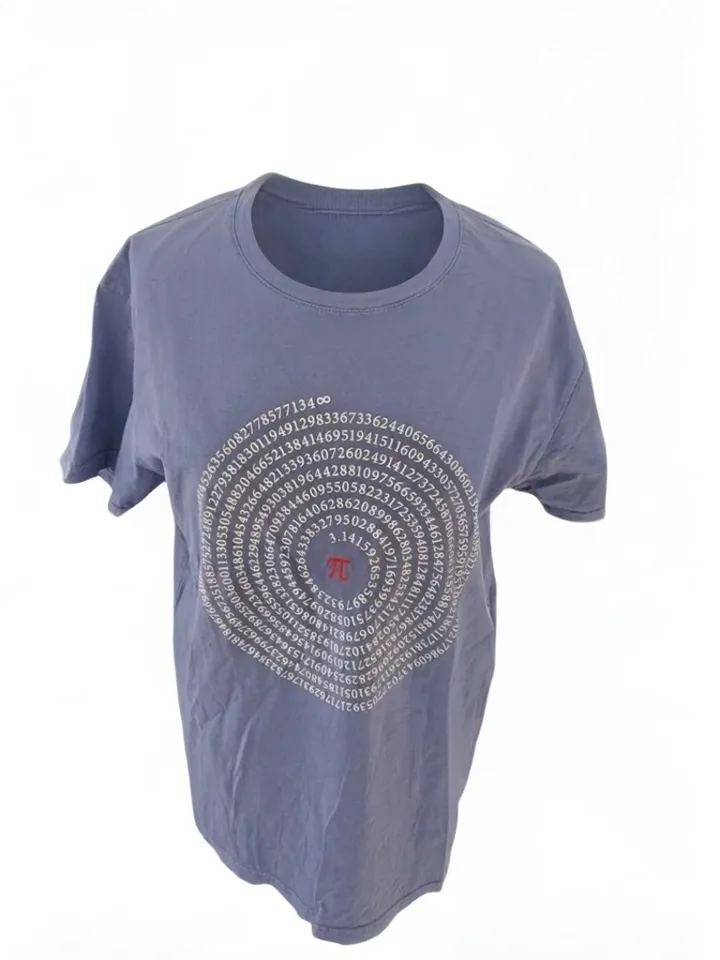
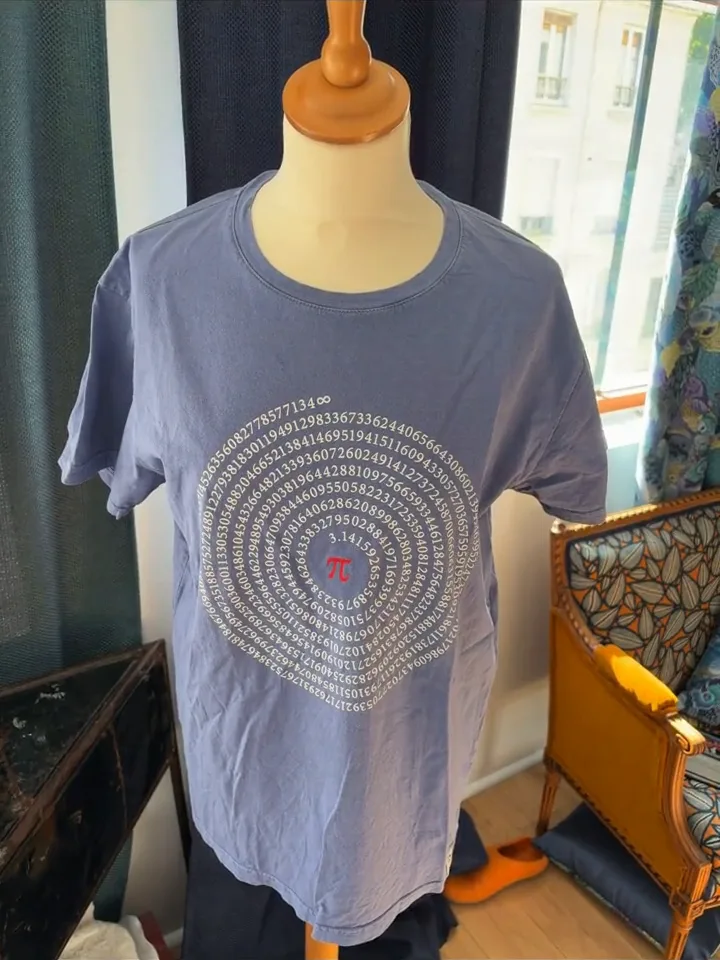
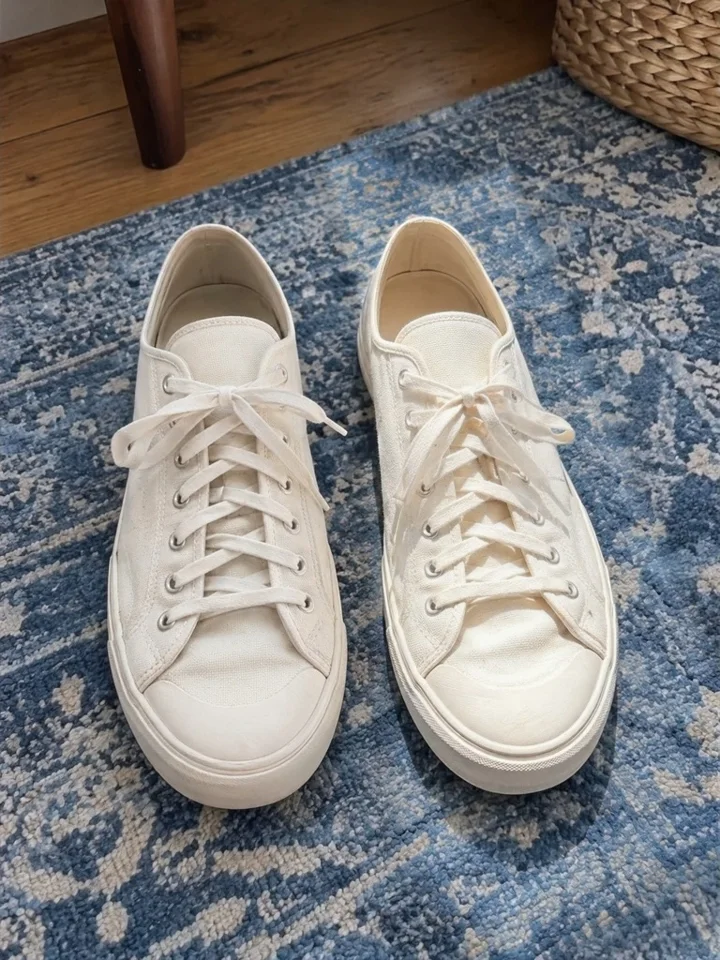
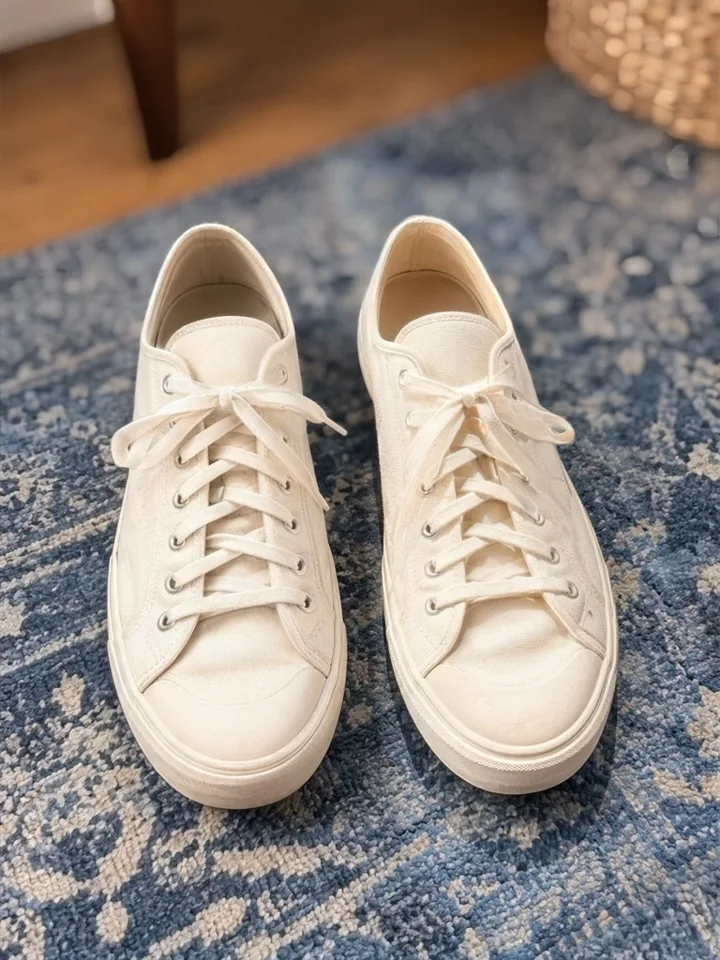
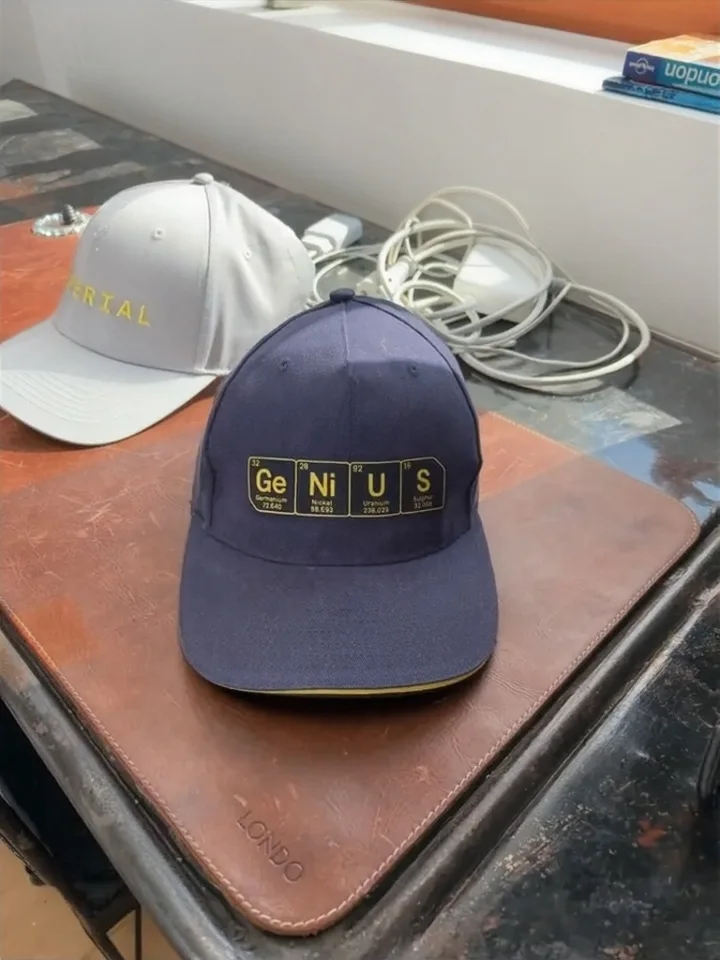
Same item. Same phone. Better photo.

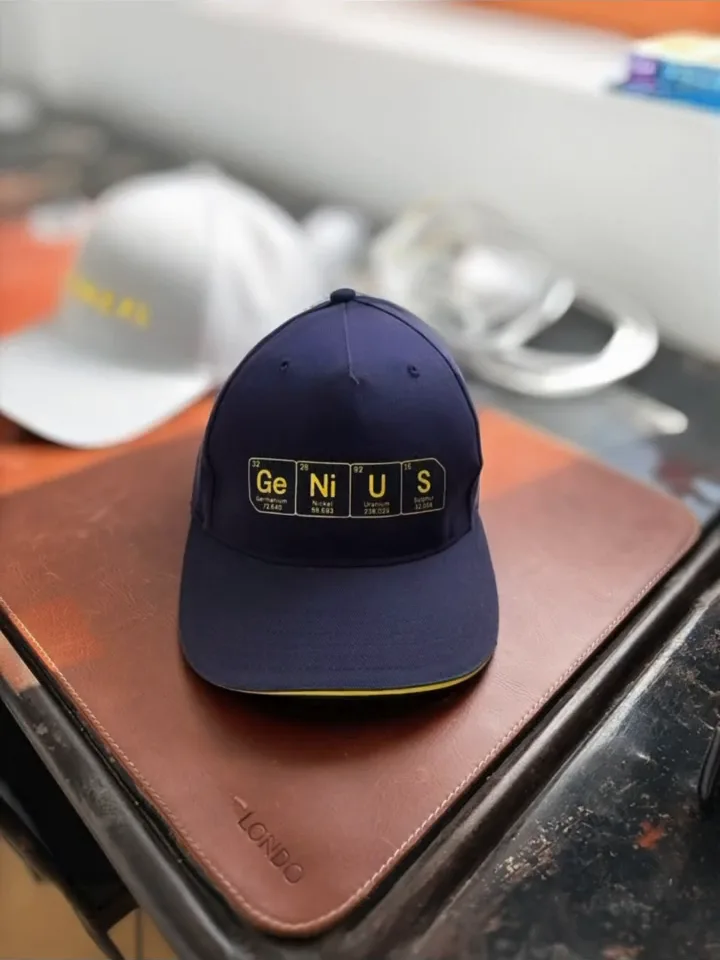
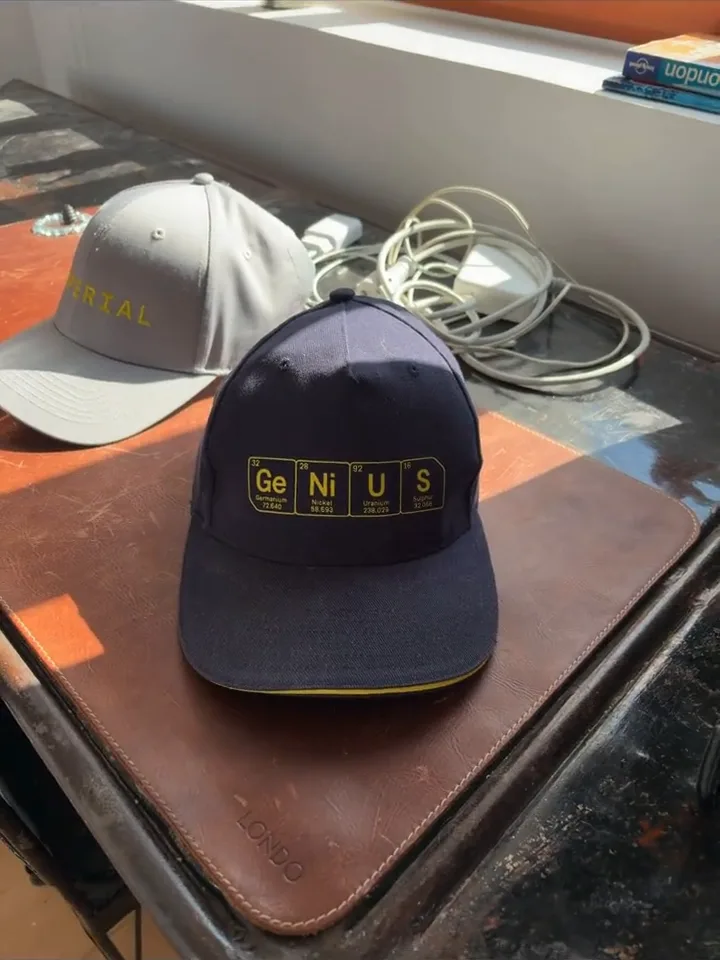
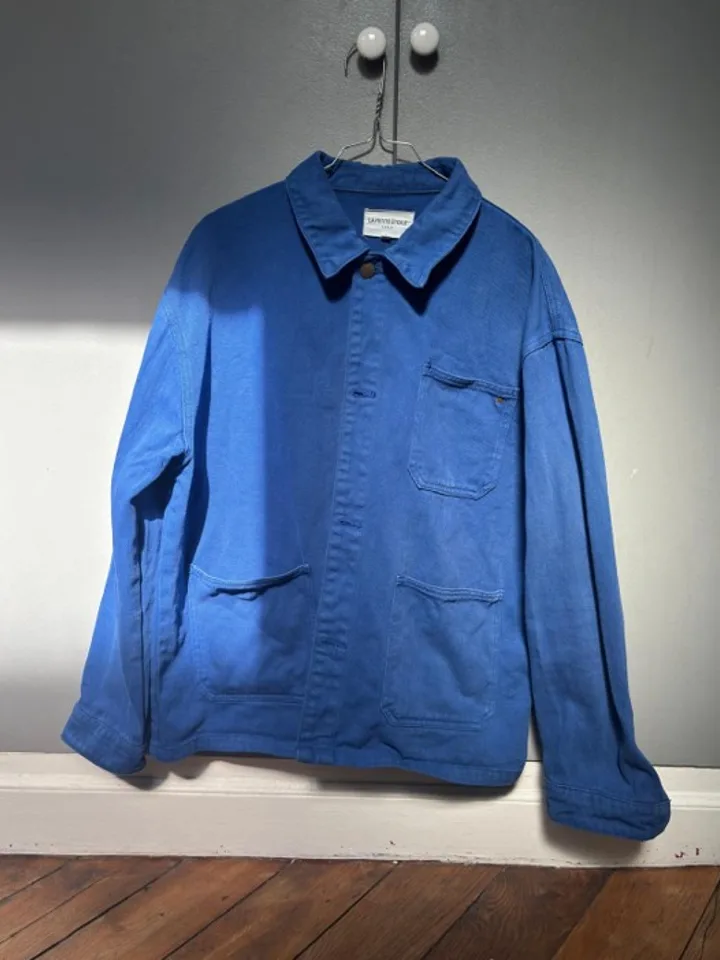
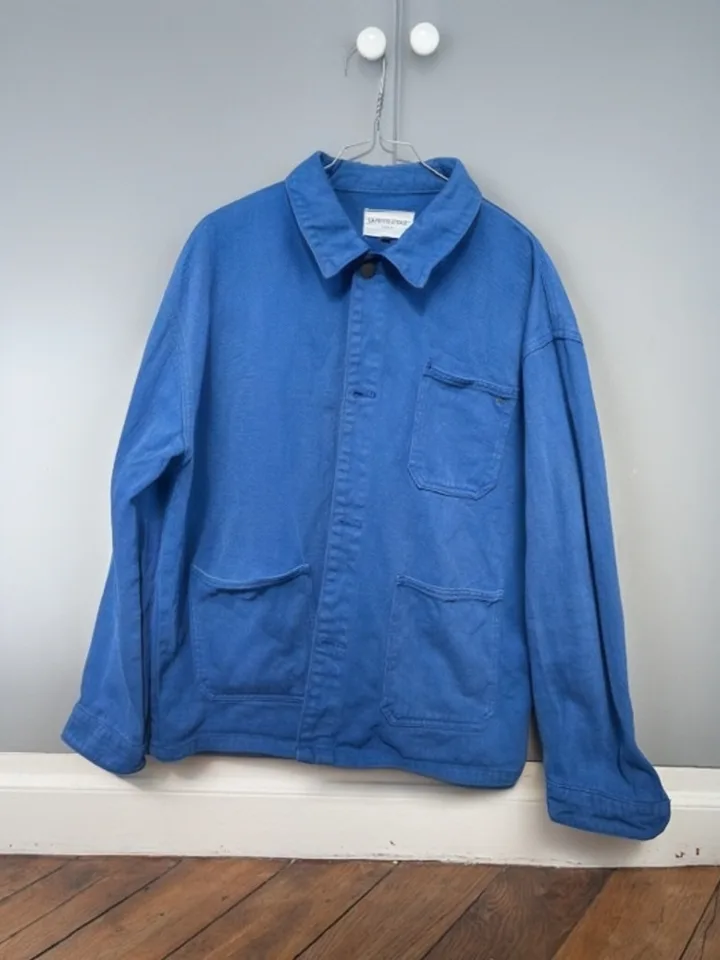
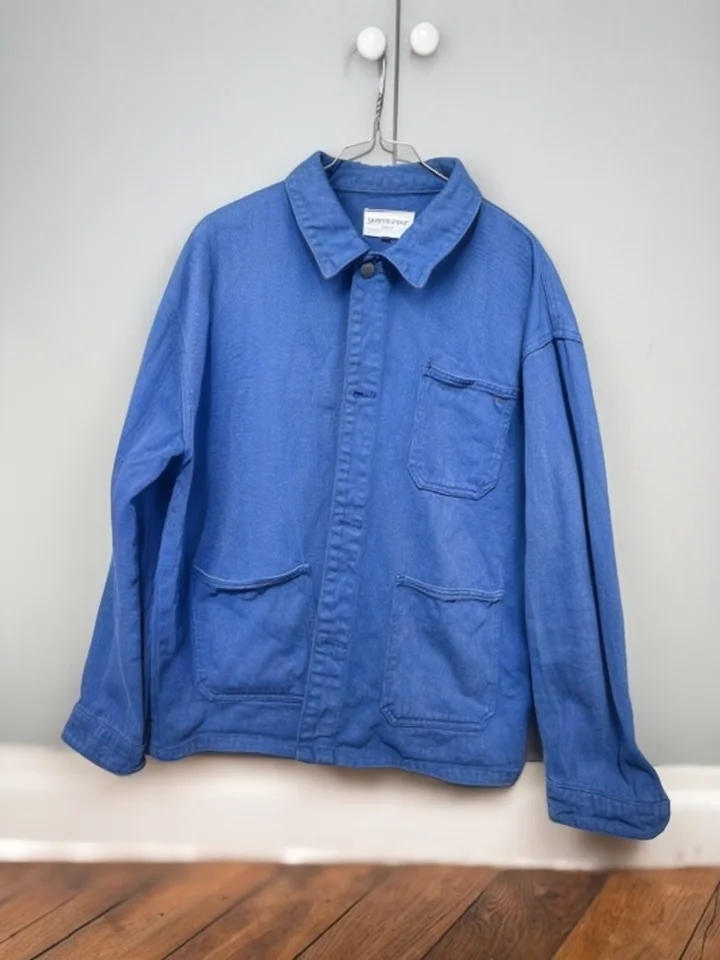
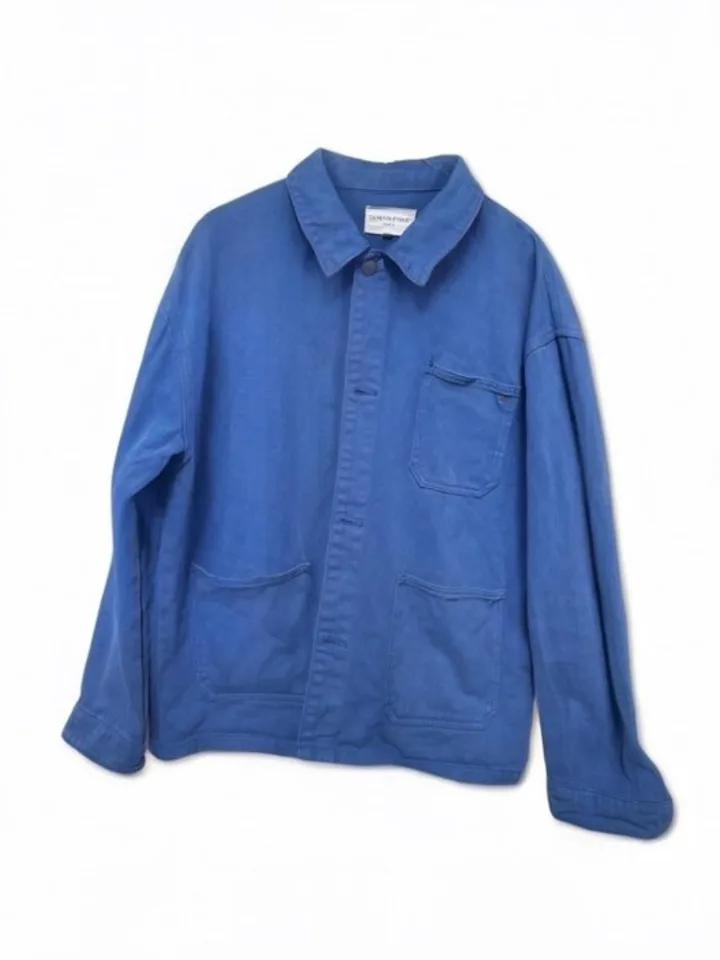
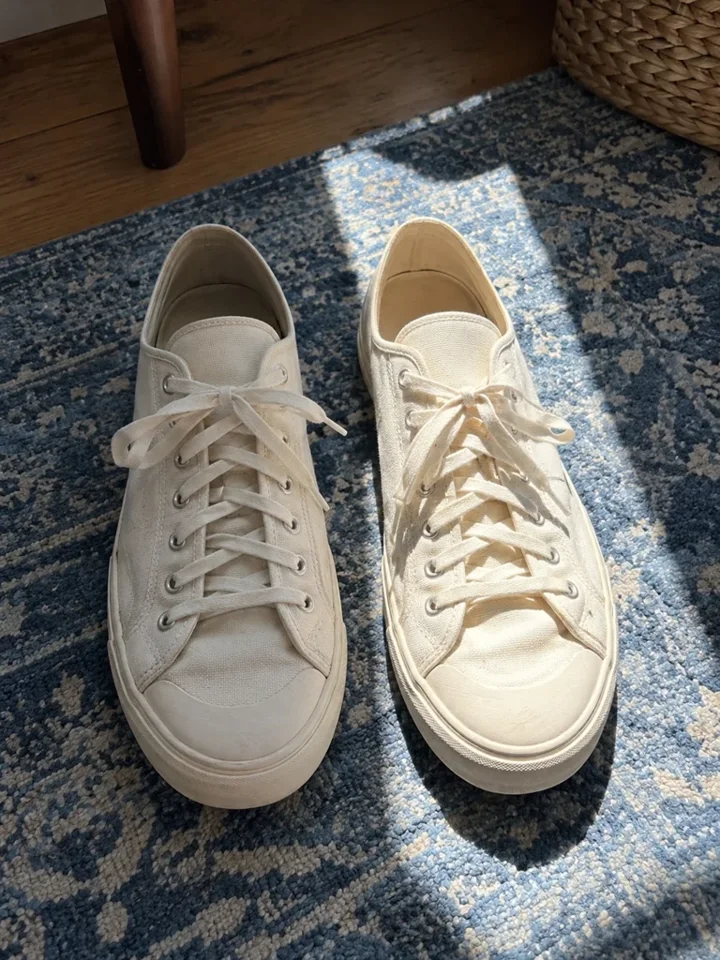
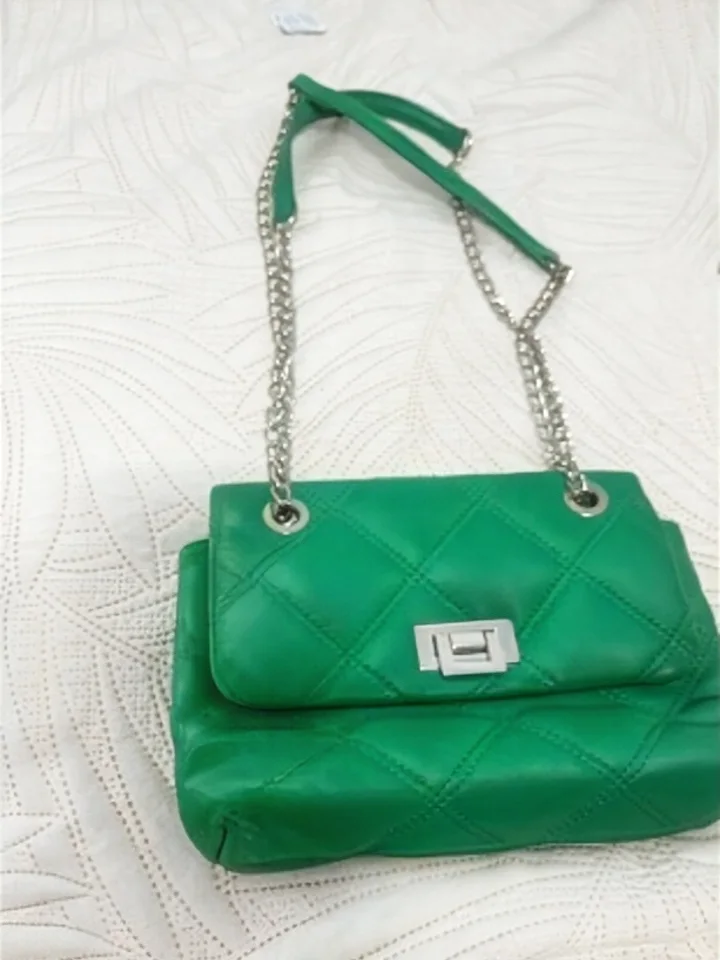
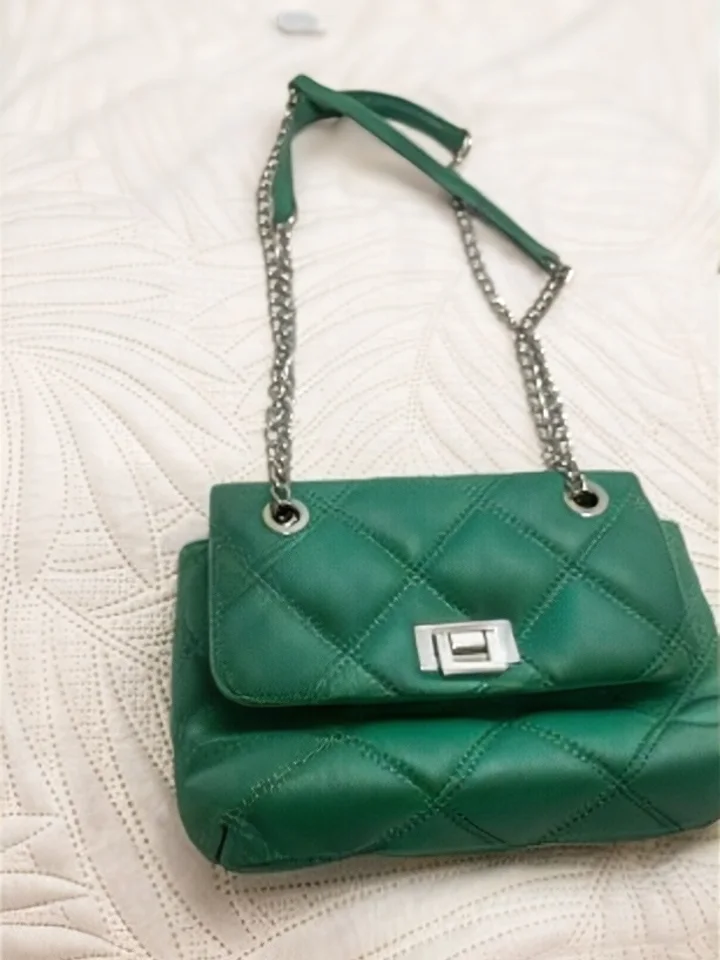
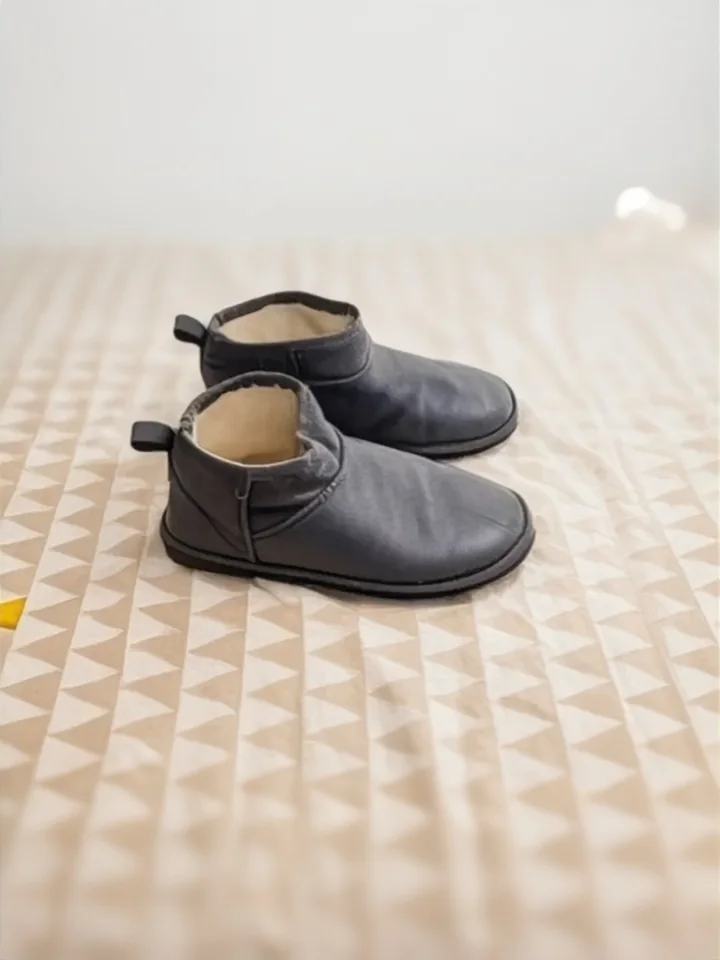
The photos as they were taken at home: sunbeams, a dark room, a cluttered background.

Just a better photo

Your item, at its best.

Finegrain is designed to improve the light and background while staying true to your item. In the video, the worn logo stays worn.

App beta

Try it free on iPhone 15 and newer.

Requires iOS 26 or newer.

  1. Install TestFlight from the App Store.
  2. Install the Finegrain beta

No iPhone 15?

Leave your email and choose the launches you want to hear about.

Notify me about

By clicking “Notify me”, you agree to receive email updates about the launches you selected. Our lists are managed with Brevo. You can unsubscribe at any time. Privacy policy.

Love it? Not convinced?

Tell us. We read every message, and your feedback shapes the app.

Tips

How to take great Vinted photos with Finegrain

Finegrain takes care of the lighting and background. Focus on what your buyer needs to see.

  1. Keep the whole item in the frame.

    Don’t cut off sleeves, handles or the tips of shoes. Get close enough for buyers to see the item clearly.

  2. Take photos from several angles.

    Front, back and side: take several photos with Finegrain to give a complete view of what you’re selling.

  3. Add useful close-ups.

    Labels, fabric, seams and soles: show the details a buyer would check in a shop.

  4. Show the flaws too.

    A stain, snag or sign of wear deserves its own photo and a mention in your listing.

  5. Choose the right version for each view.

    Finegrain offers several enhancements. Choose the version that best presents your item for the main photo, then complete your listing with other angles and details.

FAQ

Everything you need to know.

Is it free?

Yes, completely. No account, no credit card, unlimited photos. That’s possible because everything runs on your phone.

Which phones does it work on?

iPhone 15 and newer, with iOS 26 or newer. An Android version is planned: leave your email above to be the first to know.

Does it work with Vinted, Depop or eBay?

Yes. Choose the versions you want to share from Finegrain, or save them to Photos, then post them on any app or website as usual. Your original photo is always kept.

Is it AI?

Yes. Finegrain uses AI to suggest lighting and background improvements based on your photo. These enhancements are designed to stay true to your item, including signs of wear. Check the result before posting: your original is always kept so you can compare.

How do you use my photos?

Your photos are processed entirely on your iPhone. They aren’t sent to us unless you choose to share them, for example when reporting a problem. Photo processing works offline, and we never use your photos to train our models.

Who’s behind Finegrain?

The team behind Moodstocks, the image recognition startup acquired by Google in 2016 to help build Google Lens. Finegrain is backed by FirstMark.

Is it only for clothes?

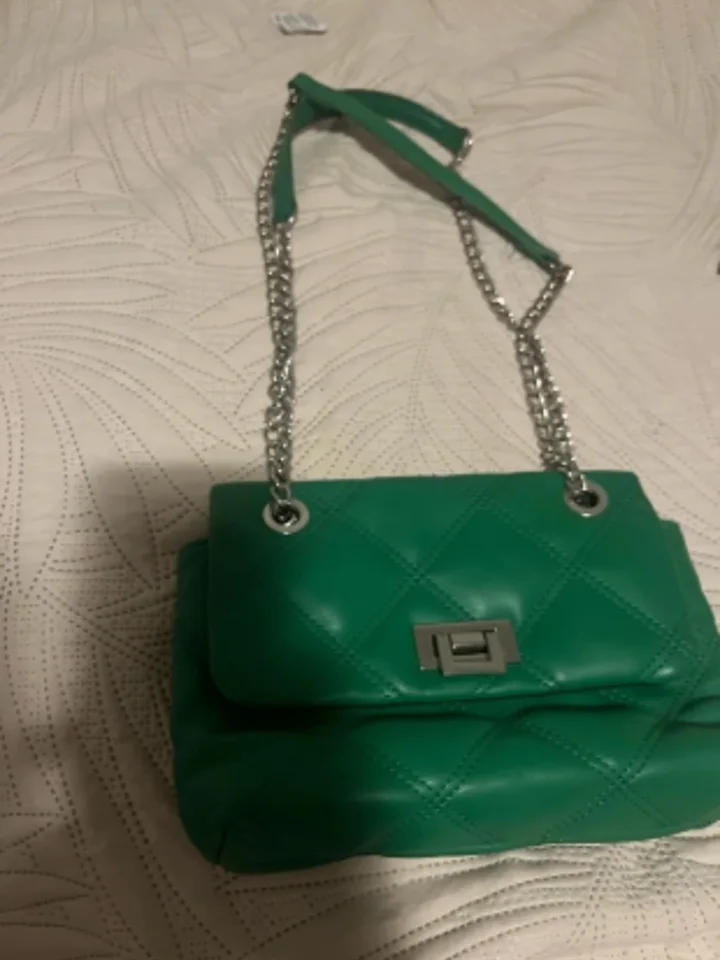
No. Shoes, bags, accessories, furniture, toys and most things you sell. It also handles documents, food, pets and portraits.